Figma Plugin v2 update

Stop manually copying design tokens to code

Detect changes in Figma, generate pull requests automatically, and keep your design system in sync with your codebase. One click. Zero manual work.

Install Plugin Free
Design System Sync
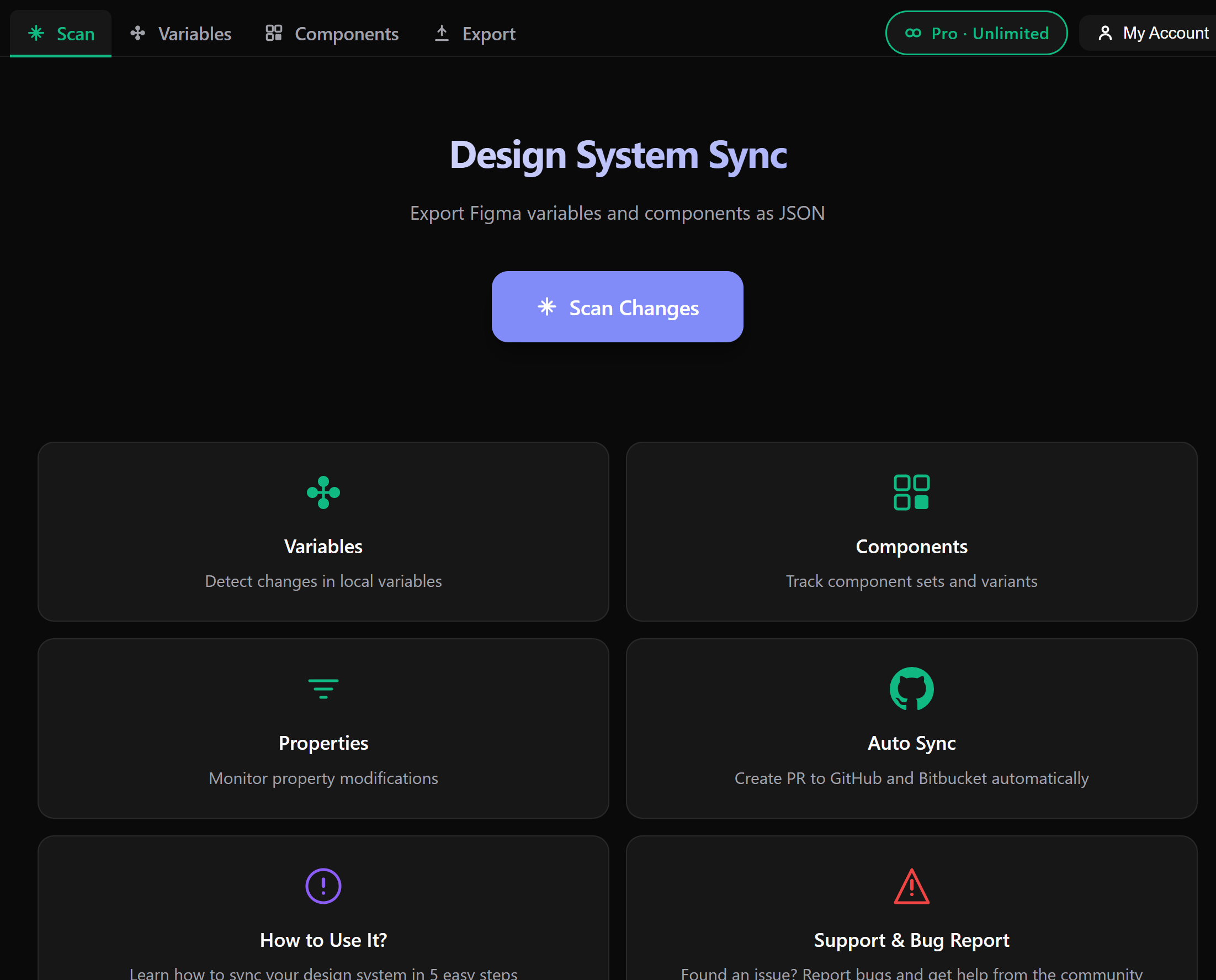
Scan
Variables
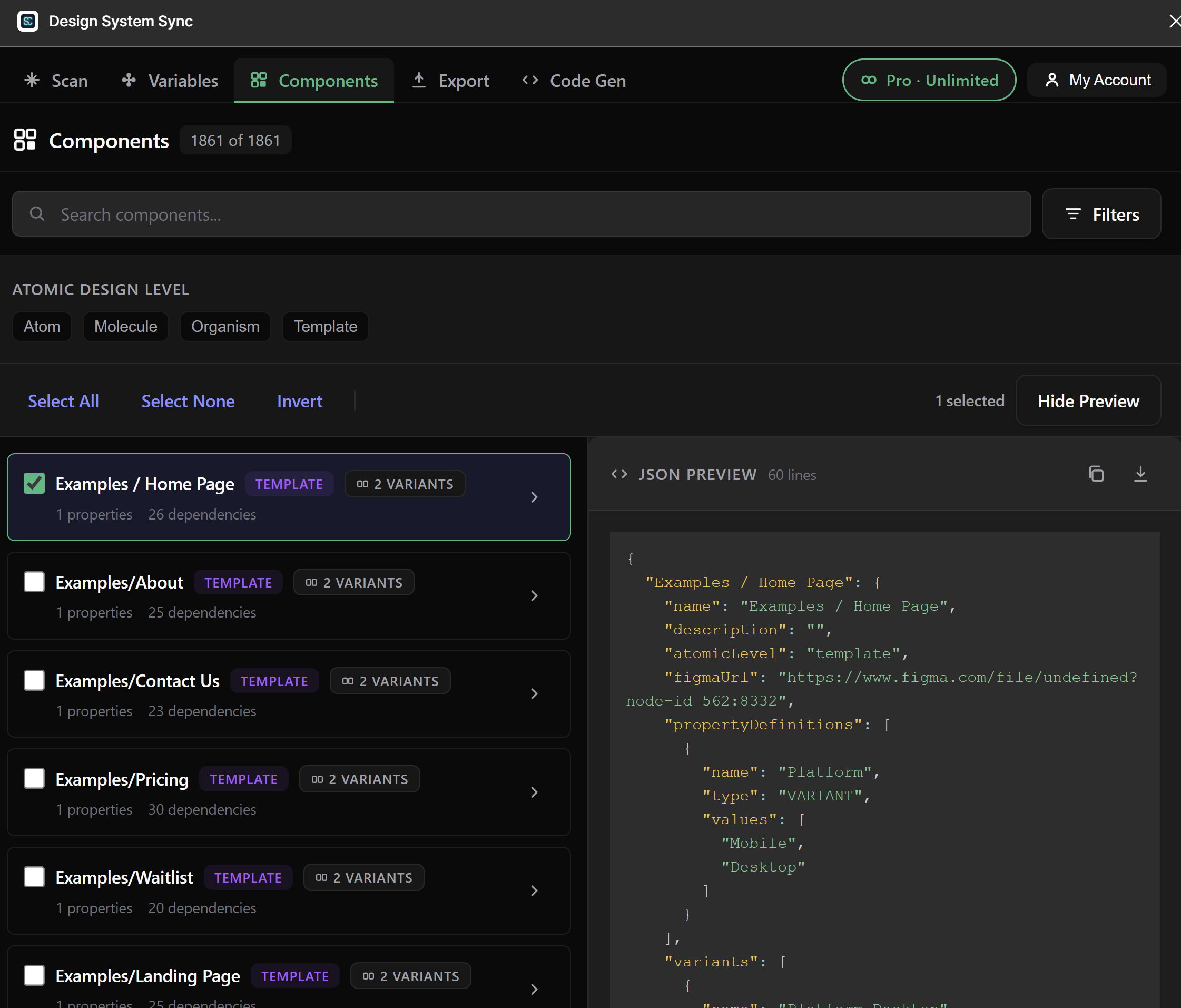
Components
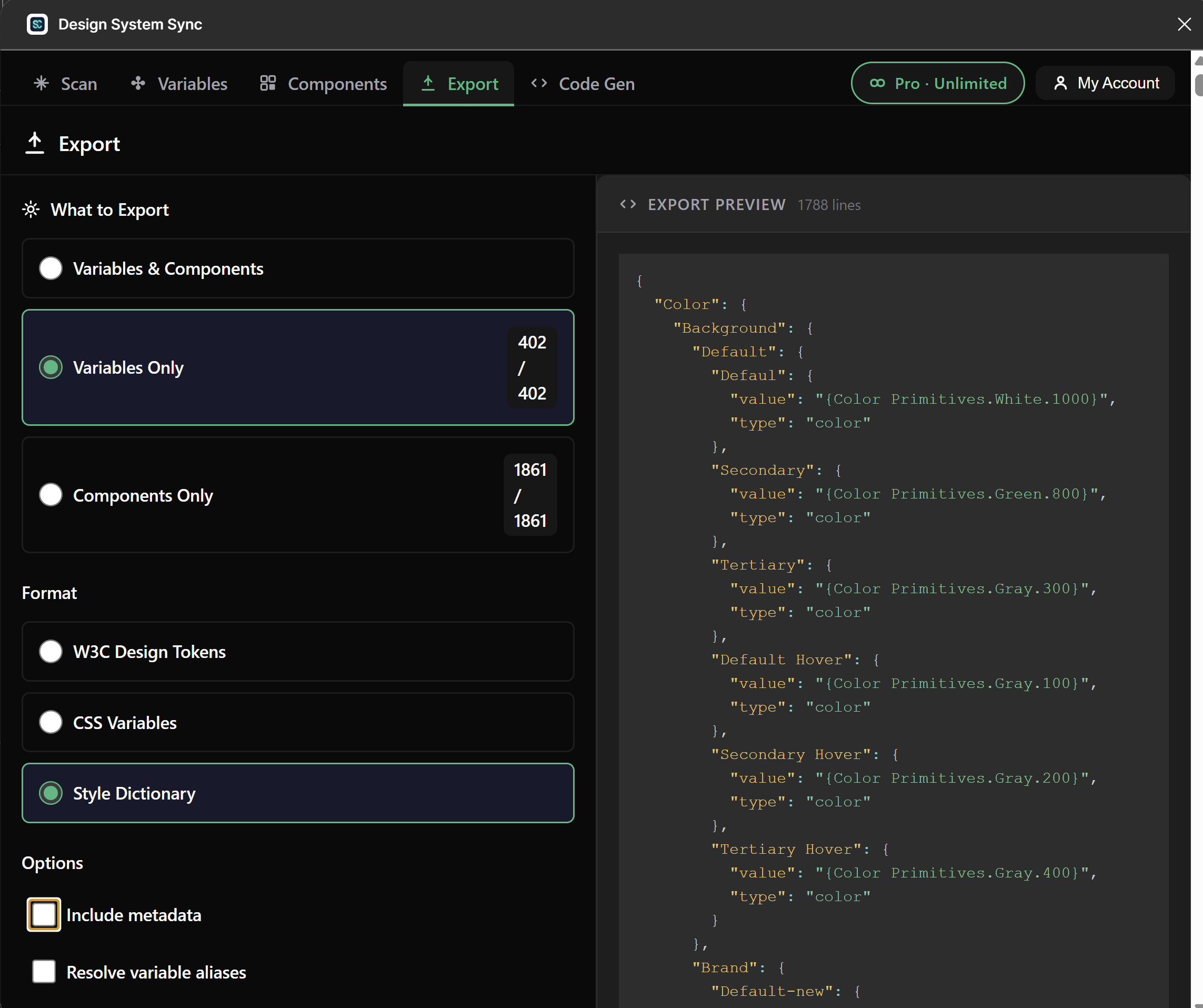
Export
--color-primary #10B981
--color-surface #1E1E2E
--spacing-md 16px 16
--radius-lg 12px
Export to GitHub
0+
Tokens synced
0+
Designers & developers
0+
Hours saved weekly
v2 What's new

Three upgrades that make
tokens, typography & code agree

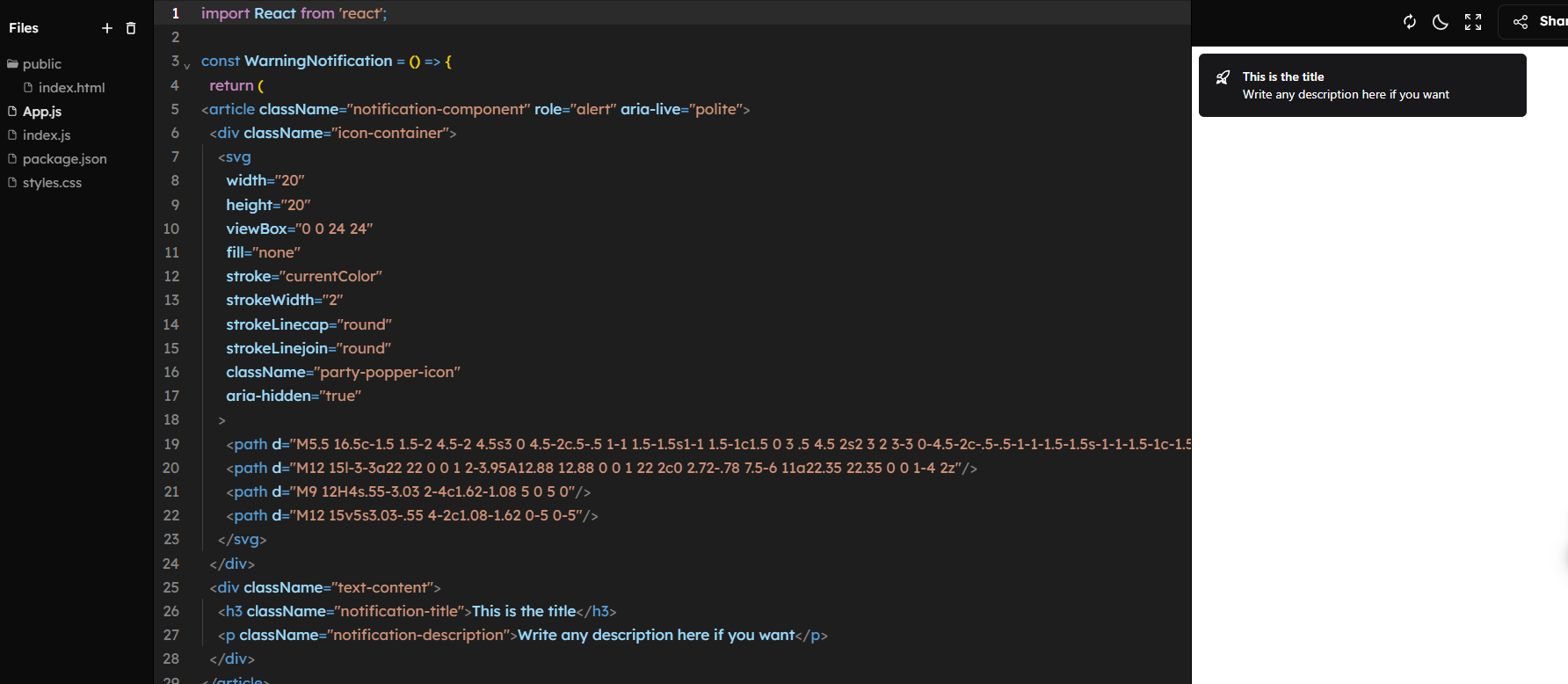
v2 closes the gap between Figma and code: it now exports text styles as real tokens, surfaces every hardcoded value, and generates components that consume your variables instead of inlining hex.

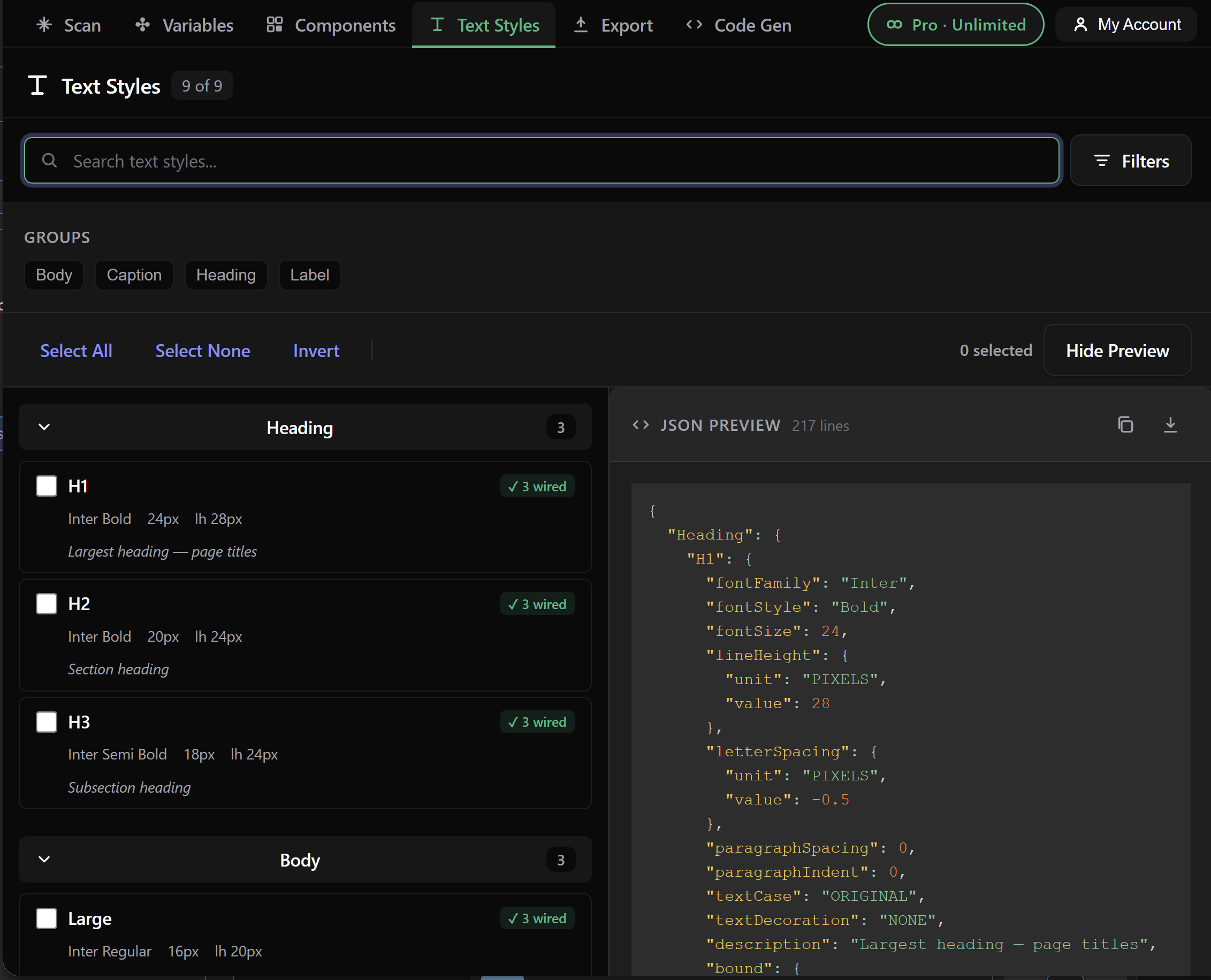
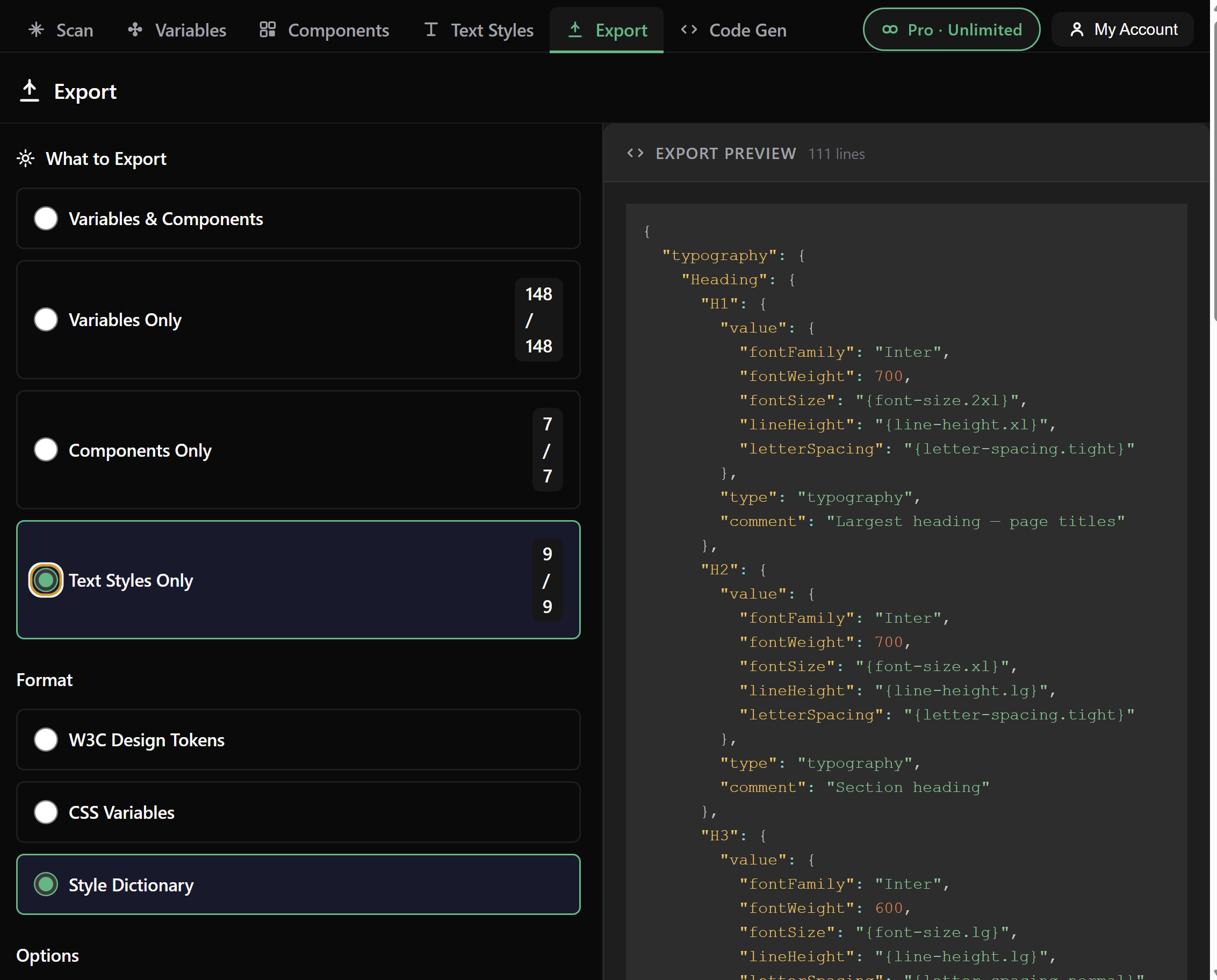
Text styles browser inside Design System Sync — Heading, Body and Mono groups with bound variables Text styles exported as W3C JSON tokens with $type typography and alias references
New · Text styles

Typography exported with the same care as your color tokens

Text styles are first-class citizens now. Browse every style in your file, see which properties are wired to variables, and export them as W3C, Style Dictionary or CSS — with proper alias references like {font.size.lg} instead of raw 20px.

  • $type: typography in W3C output, fully spec-compliant
  • Bound variables become aliases — never flattened to literal values
  • letterSpacing, lineHeight and textCase normalized to CSS units
  • Collection name stripped from token paths so output stays clean
font.size.lg → {font.size.lg}
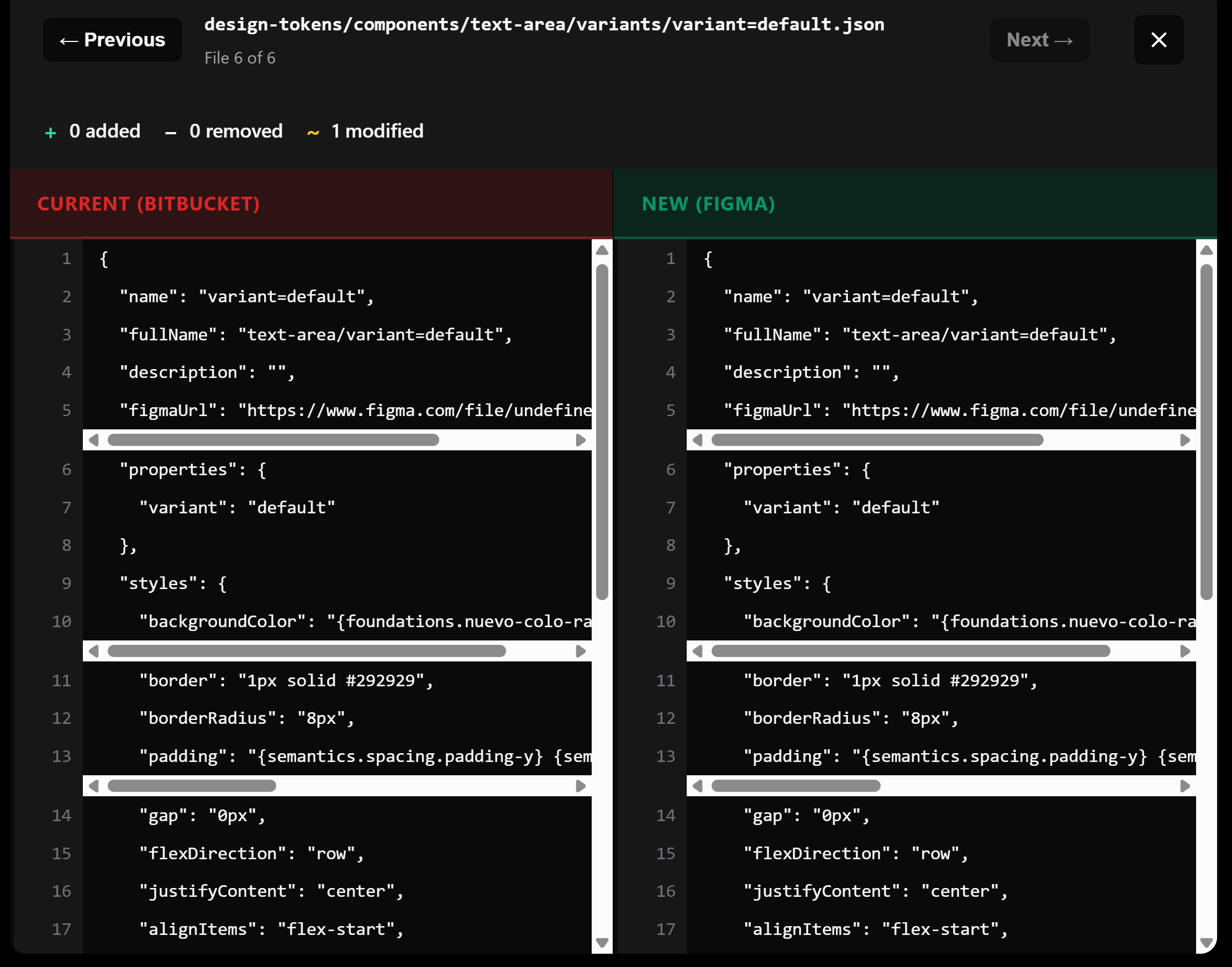
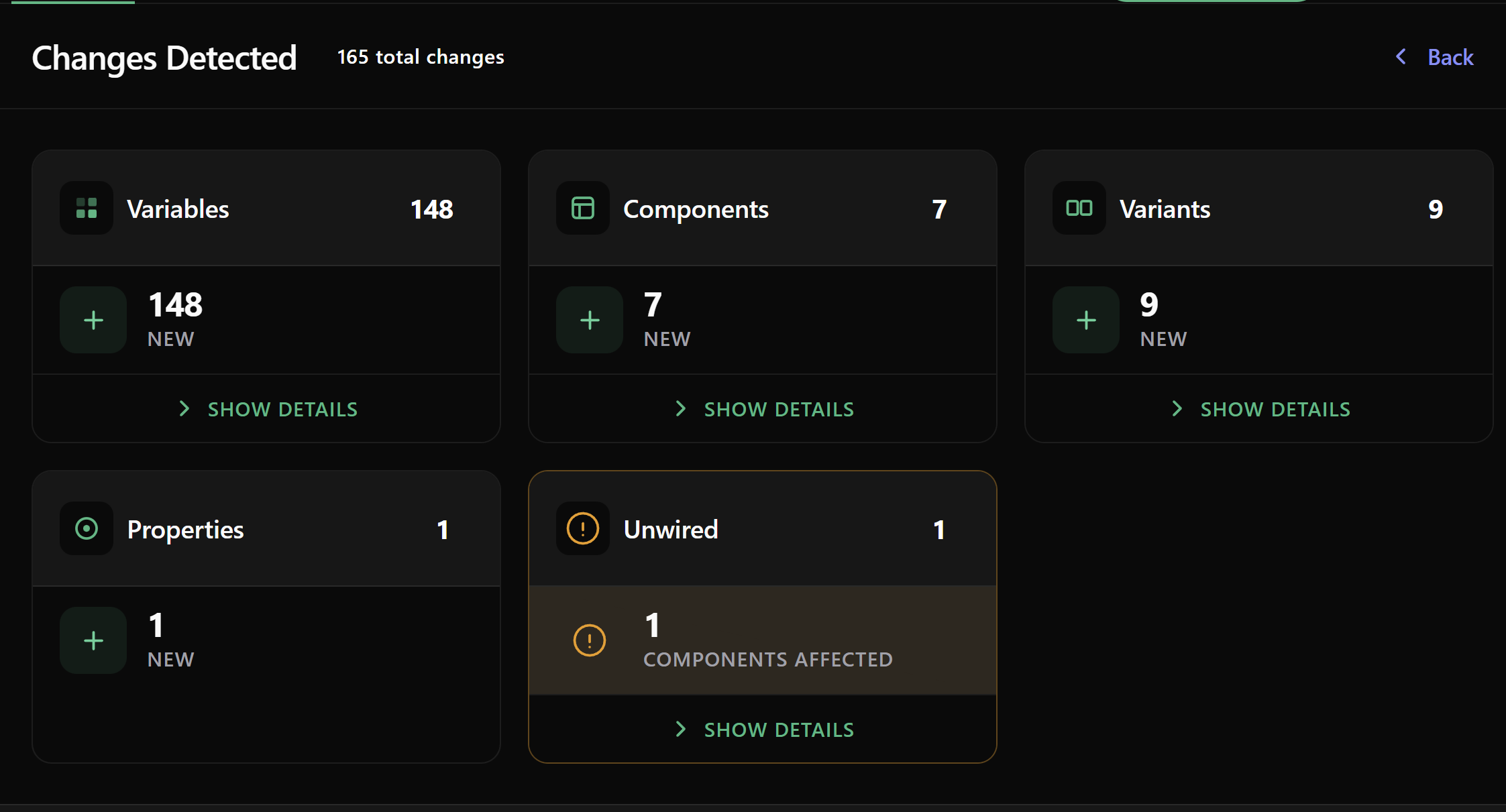
Unwired values report — list of components with hardcoded colors, spacing and radii flagged per property
New · Token coverage

Find every hardcoded value hiding in your design system

The new Unwired report scans every component, variable and text style and lists the exact properties that are still using raw values instead of pointing at a token. Each row tells you what should be wired, what it currently holds, and where to fix it.

  • Works across colors, spacing, radii, typography and effects
  • Generic by design — your tokens, your conventions, your naming
  • Per-component drilldown so design leads can prioritize cleanup
  • Coverage score updates live as you wire variables in Figma
12 components · 47 unwired values
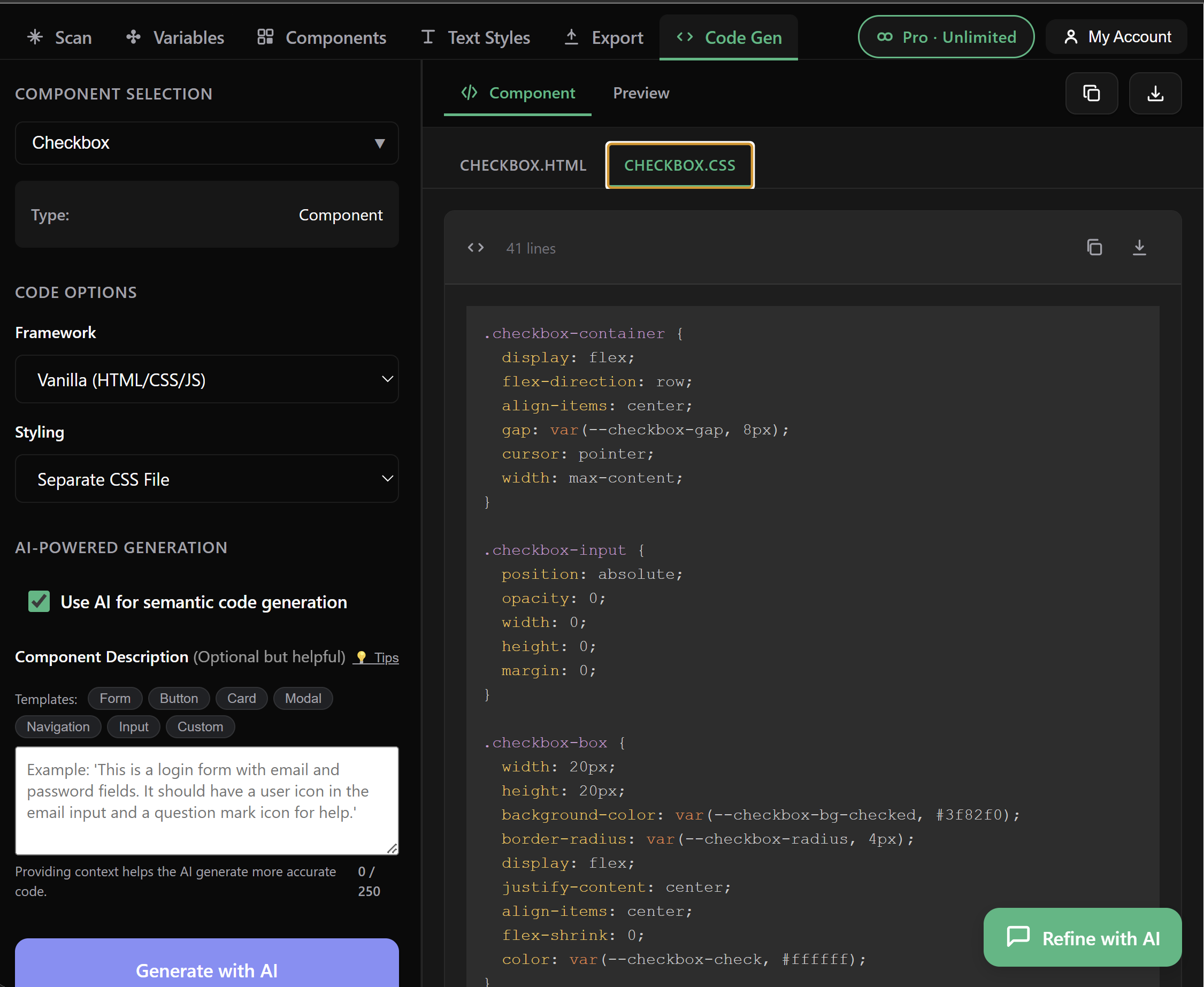
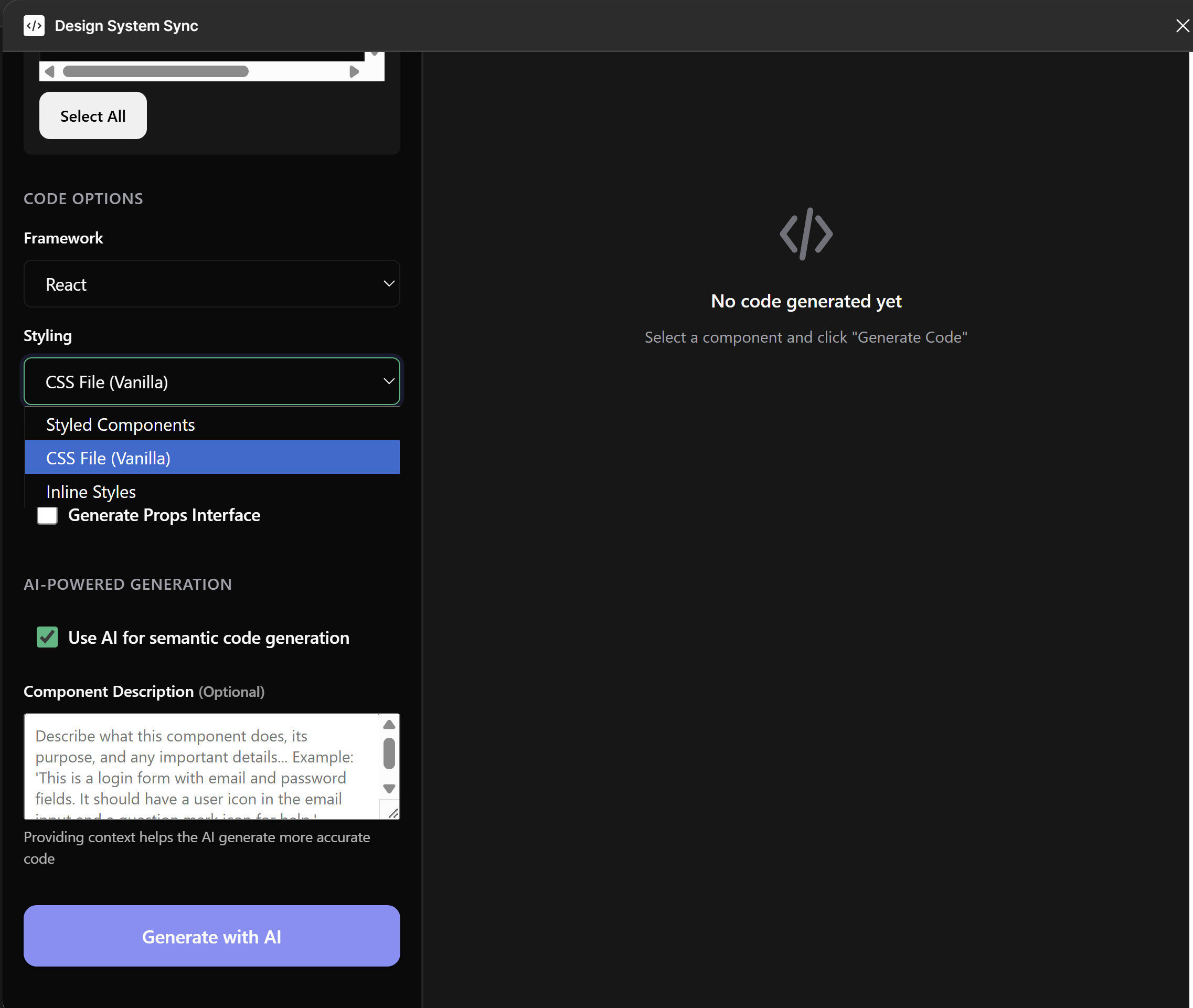
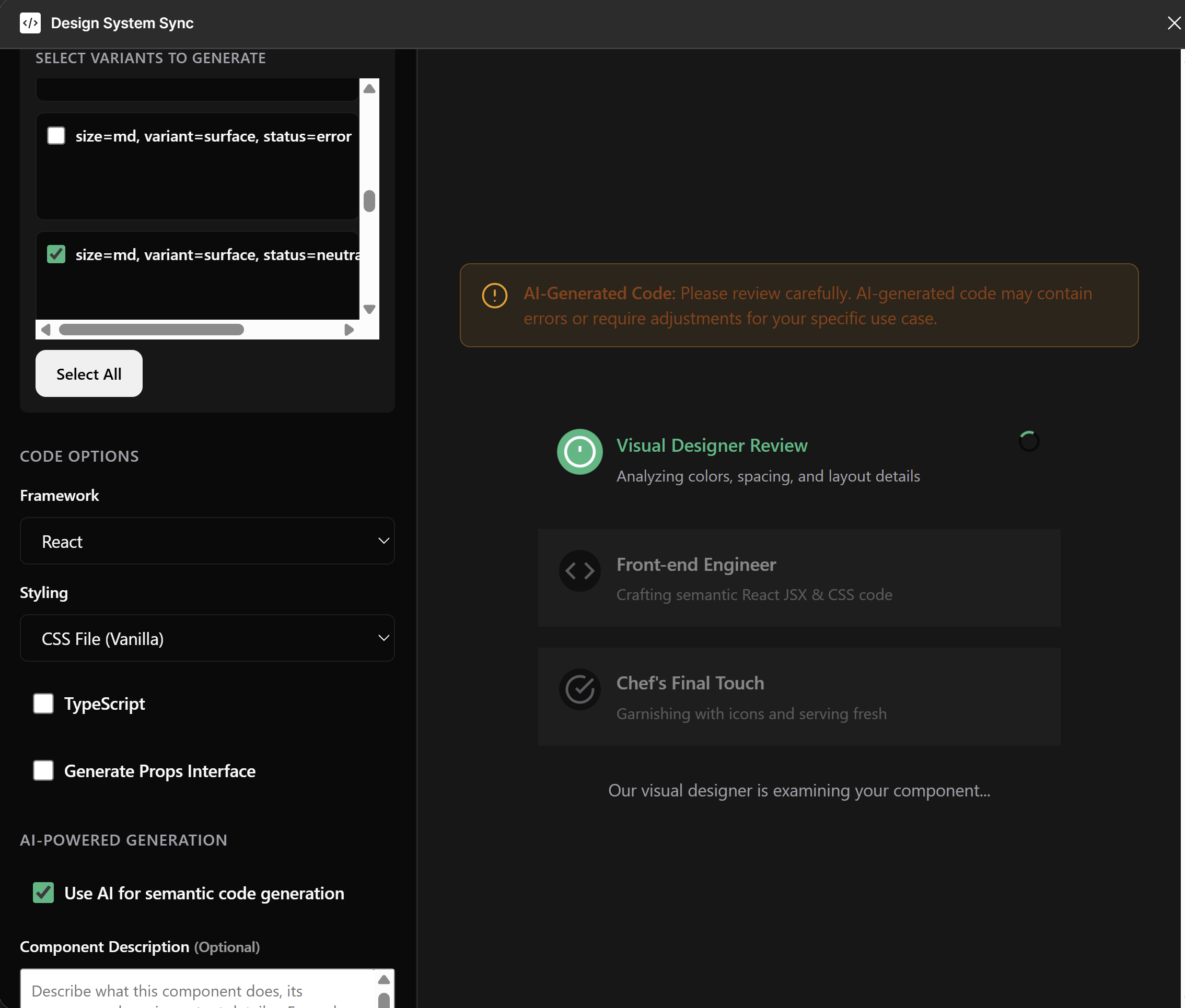
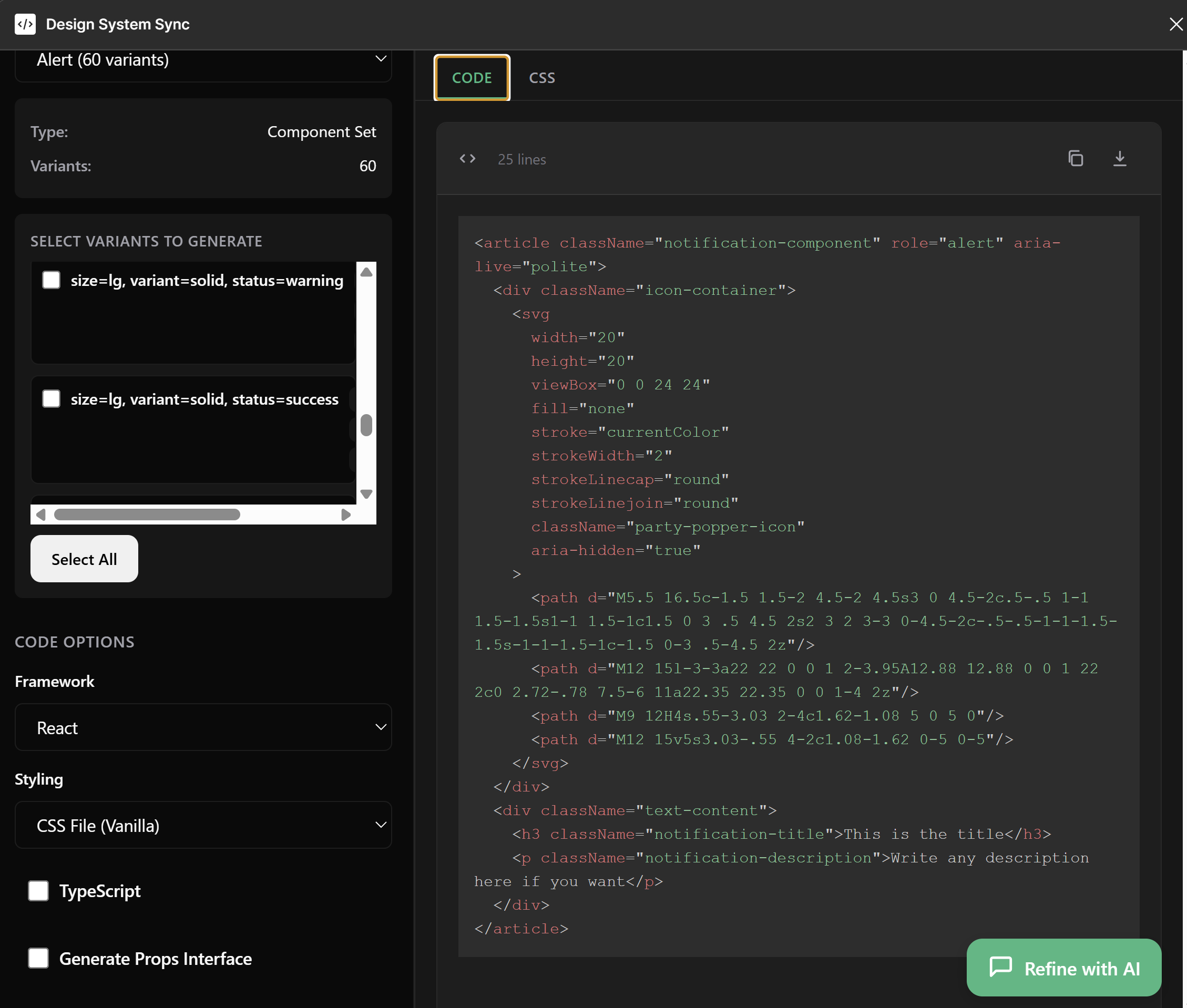
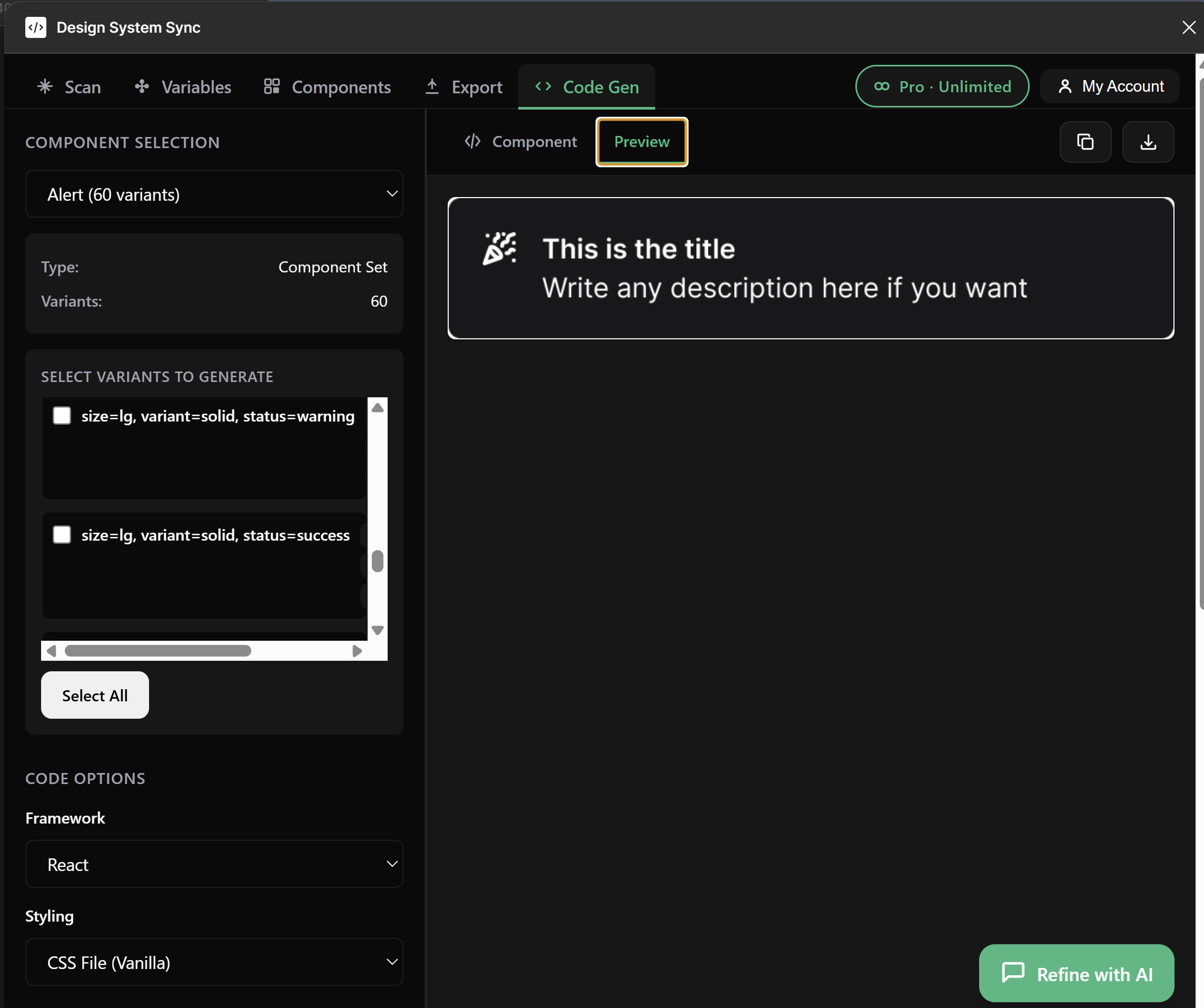
AI-generated CSS using design tokens — var(--color-primary) instead of raw hex values
Improved · AI code gen

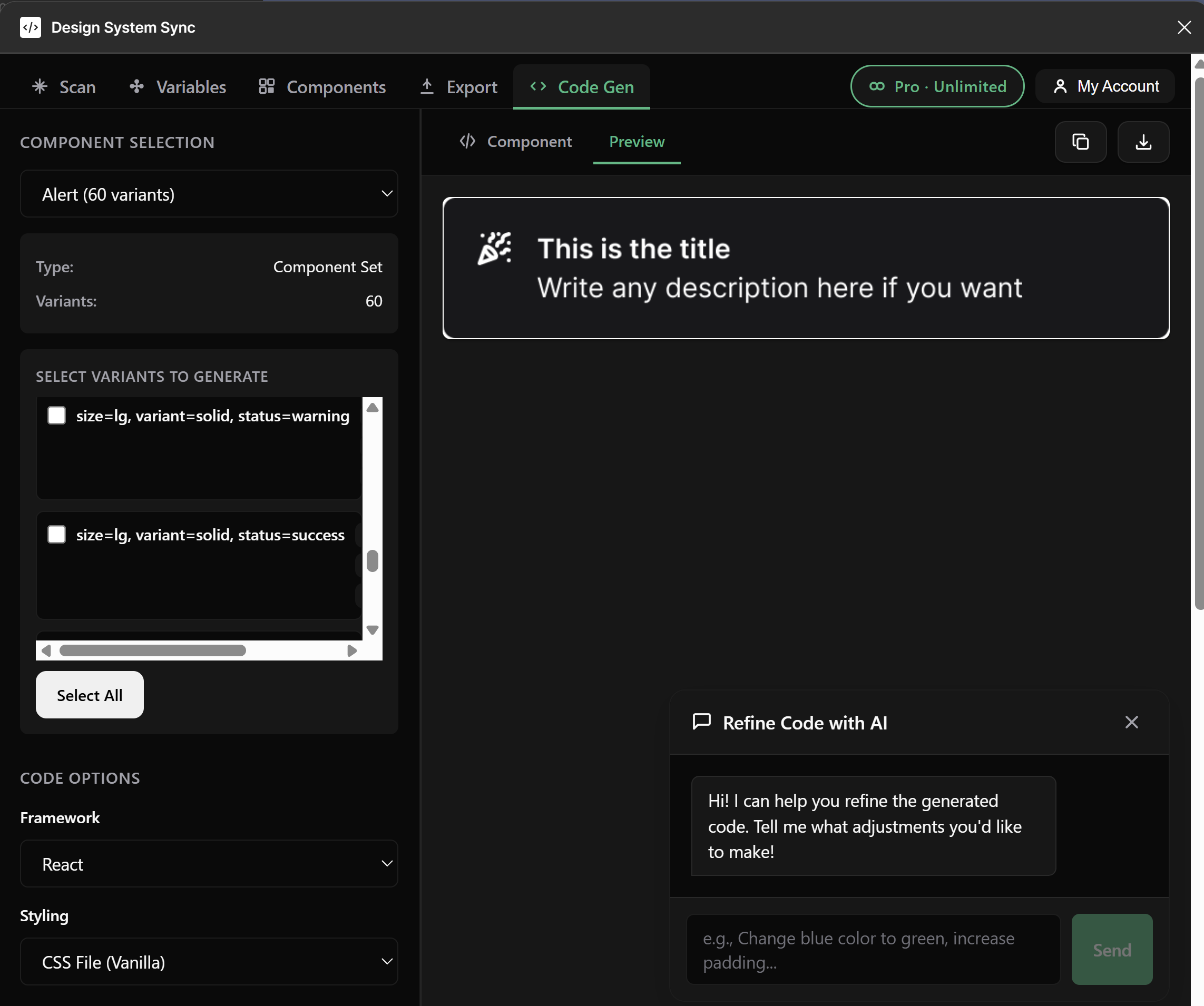
Generated code now speaks your design system — not raw hex

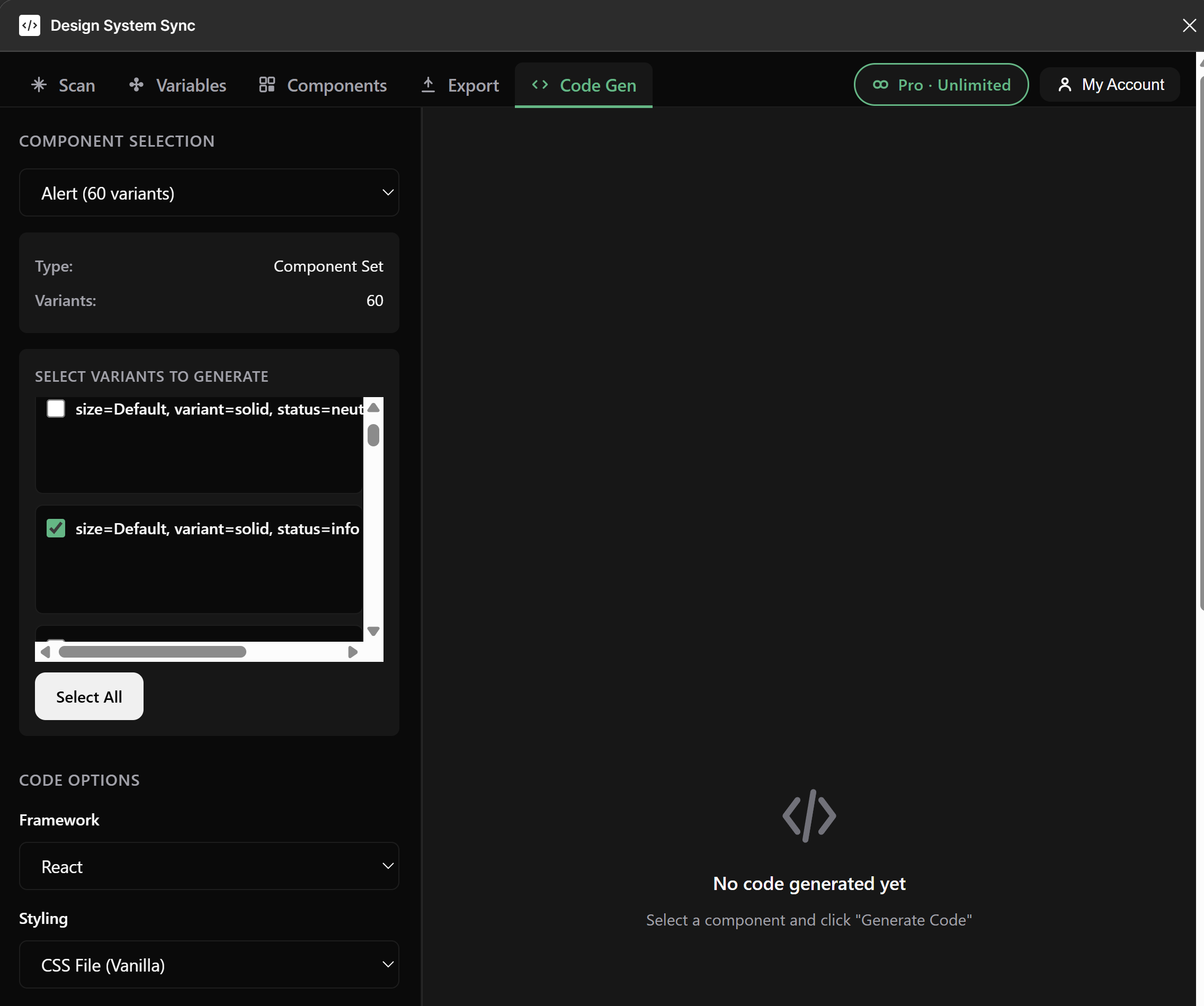
The AI generator was rewired to preserve your token references end-to-end. Output uses var(--color-primary), var(--space-md), and your text styles instead of hardcoding #10B981 or 16px. Refactor a token in Figma, and the generated component follows.

  • System prompt now preserves variable references verbatim
  • Components, variables and text styles all flow into the same prompt context
  • Multi-variant component sets generate every variant — not just the first
  • State persists across tabs, so long generations aren't lost on a tab switch
var(--color-primary) → live token
Features

Everything you need to keep
design and code in sync

Extract, convert, and push design tokens directly from Figma to your repository. No more manual copy-paste.

Extract Design Tokens

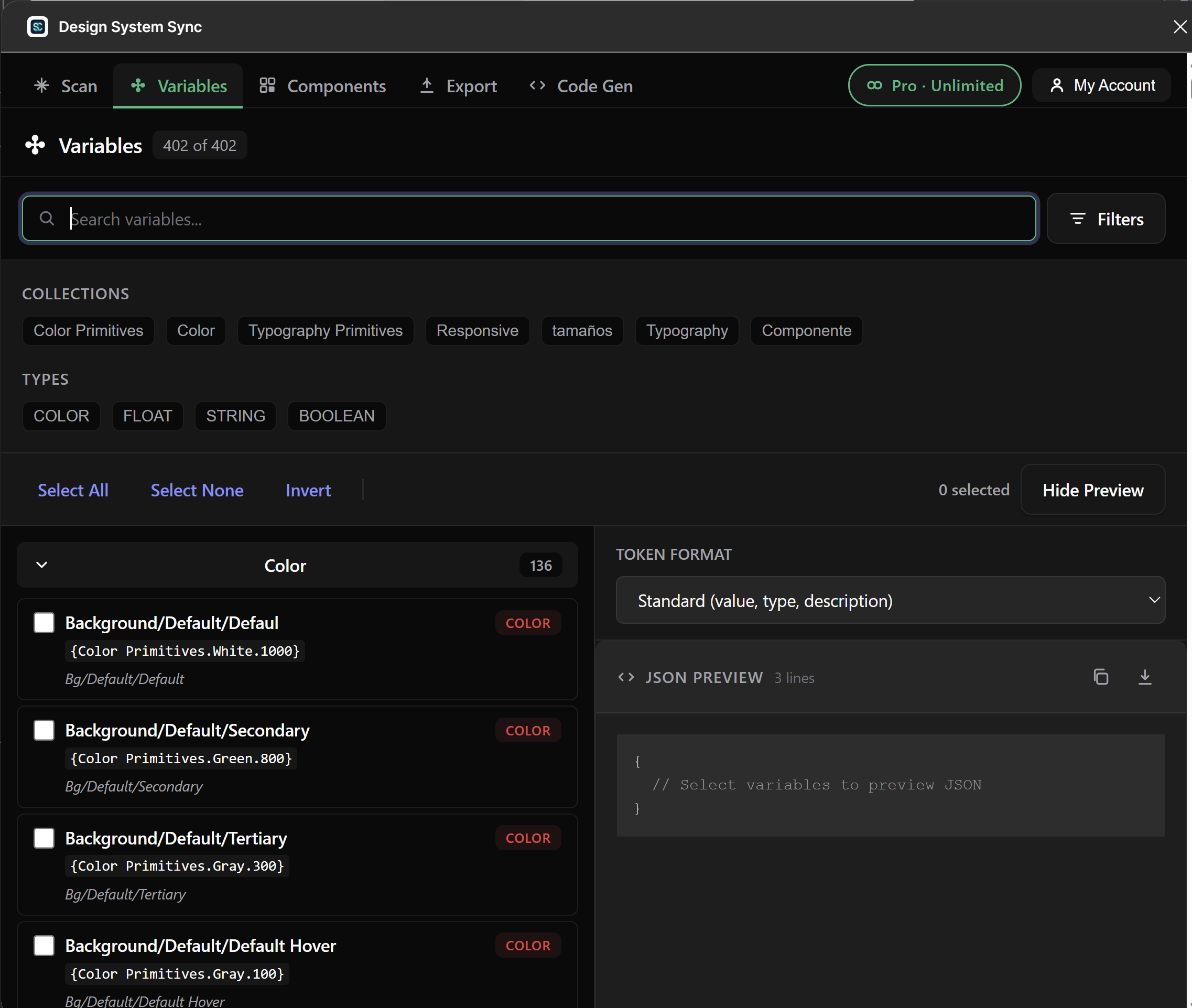
Scan your Figma file to detect all variables — colors, spacing, typography, and more. Filter by collection and type.

Auto-Generate PRs

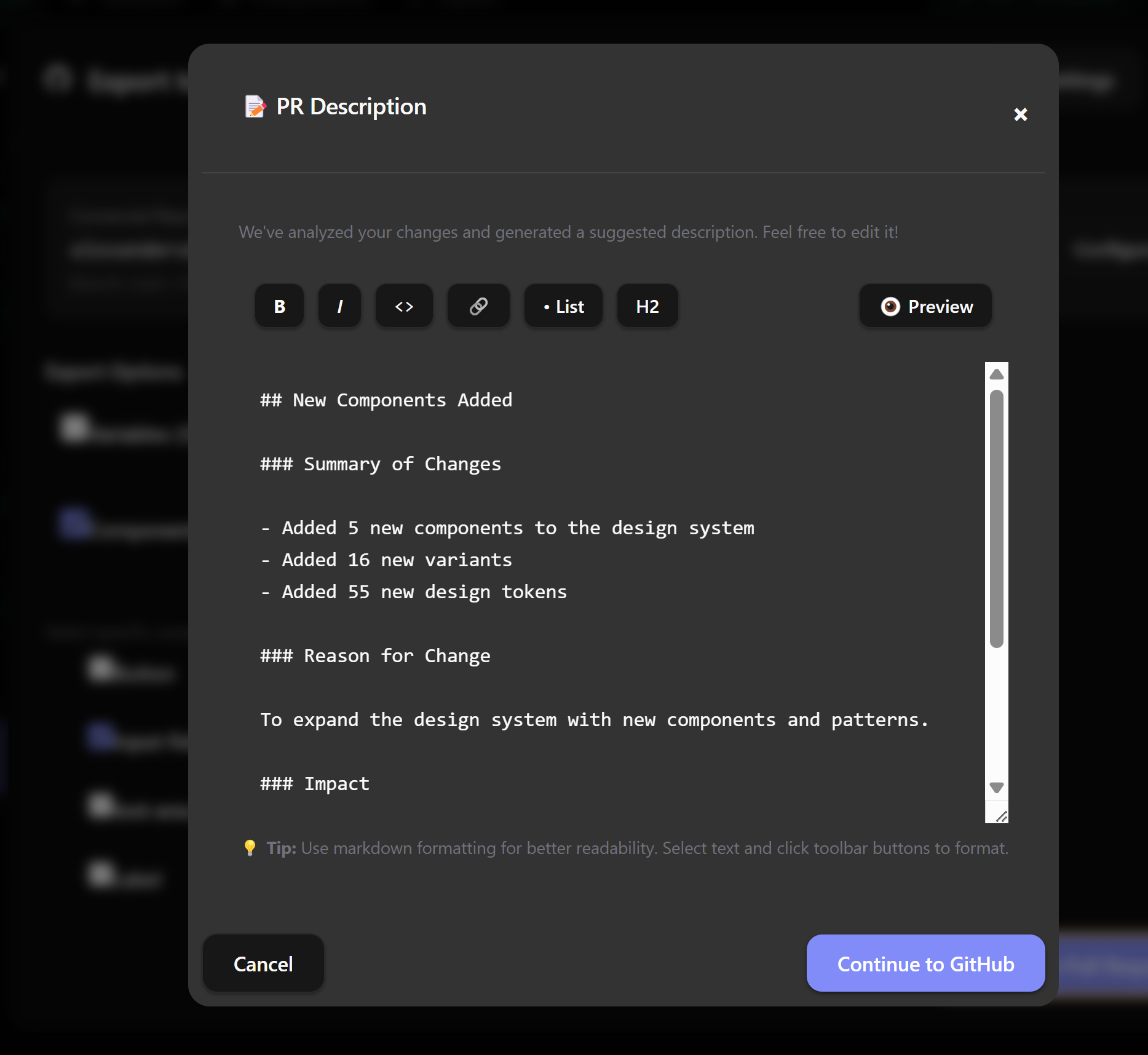
Push changes to GitHub or Bitbucket with auto-generated pull requests. Includes diffs, change summaries, and reviewer assignment.

Multiple Formats

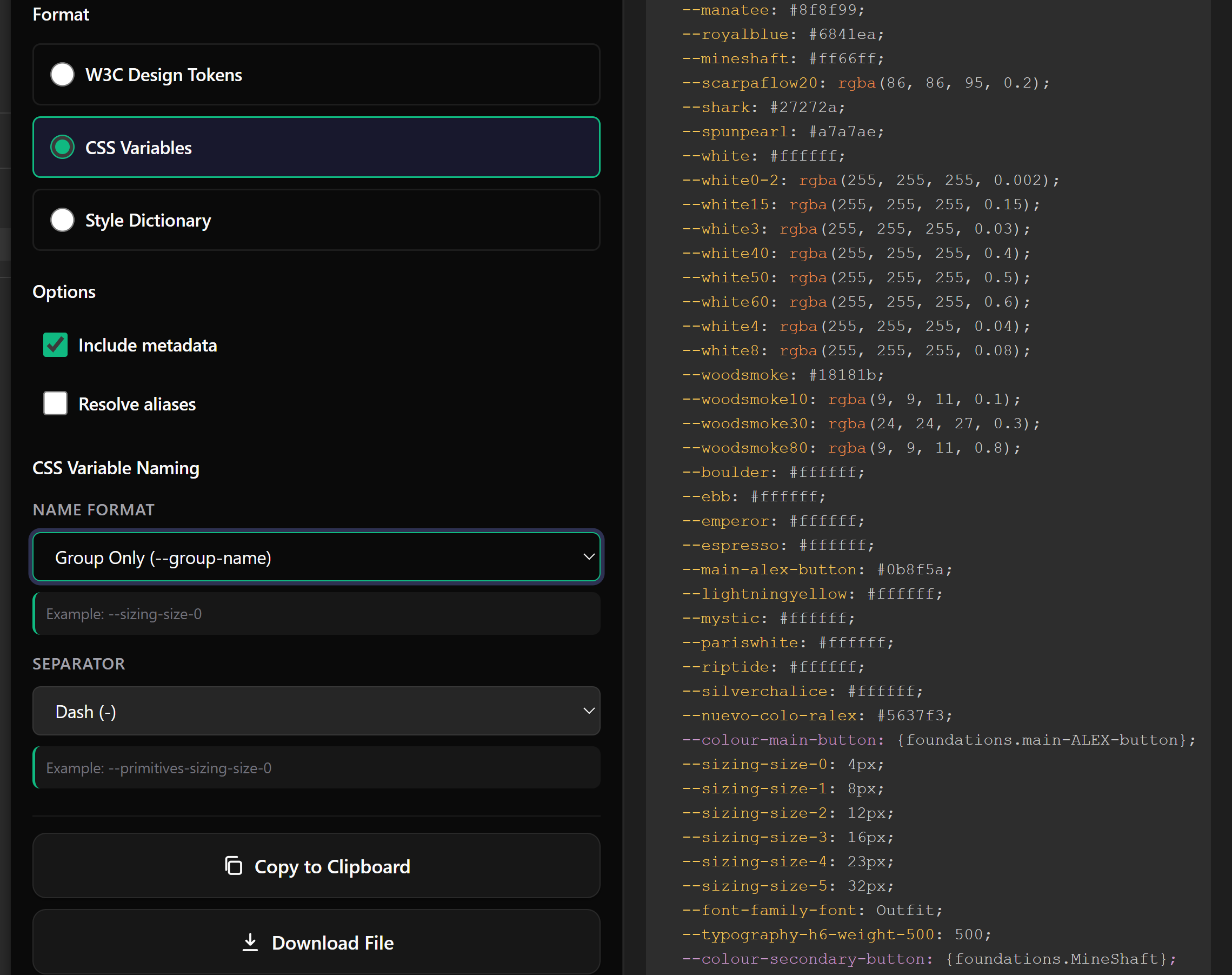
Export as W3C Design Tokens, CSS Variables, or Style Dictionary format. Compatible with your existing toolchain.

Token-Aware AI Code Gen Pro

Generate accessible, production-ready components that consume your var(--token) references — not raw hex. WCAG 2.1 AA compliant output.

Text Styles Export v2

Browse every text style and export them as W3C $type: typography, Style Dictionary or CSS — with bound variables preserved as proper aliases.

Unwired Value Detection v2

Surface every component, variable and text style still using hardcoded values. Per-property breakdown so cleanup becomes a checklist, not a hunt.

How it Works

Three steps to perfect sync

From Figma to code in under 60 seconds

1

Scan your Figma file

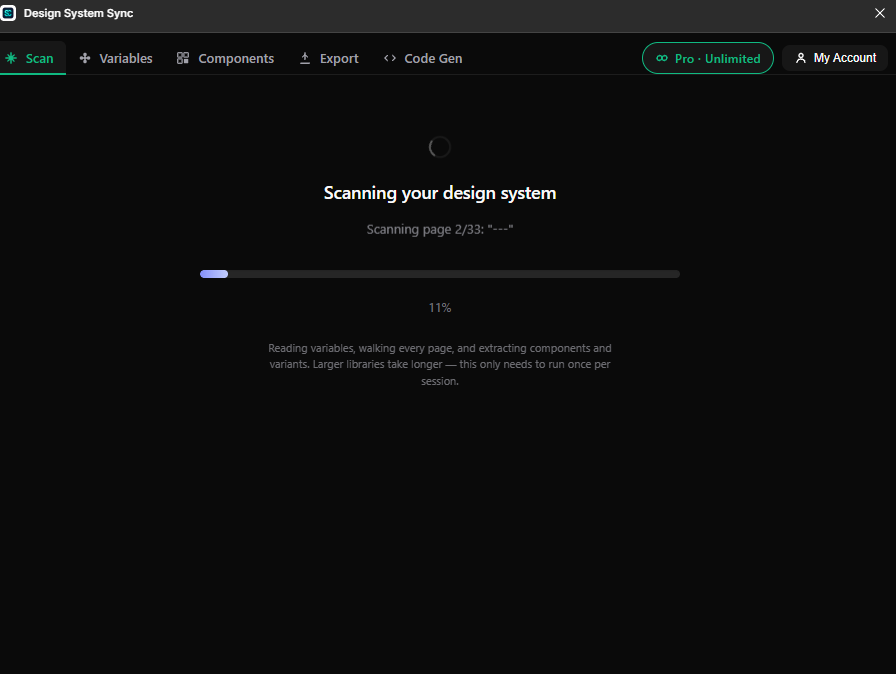
Open the plugin, scan your file. It detects all variables, components, and design tokens automatically.

2

Select tokens & format

Choose which tokens to export, pick your format (W3C, CSS, Style Dictionary), and configure the target path.

3

Export to GitHub

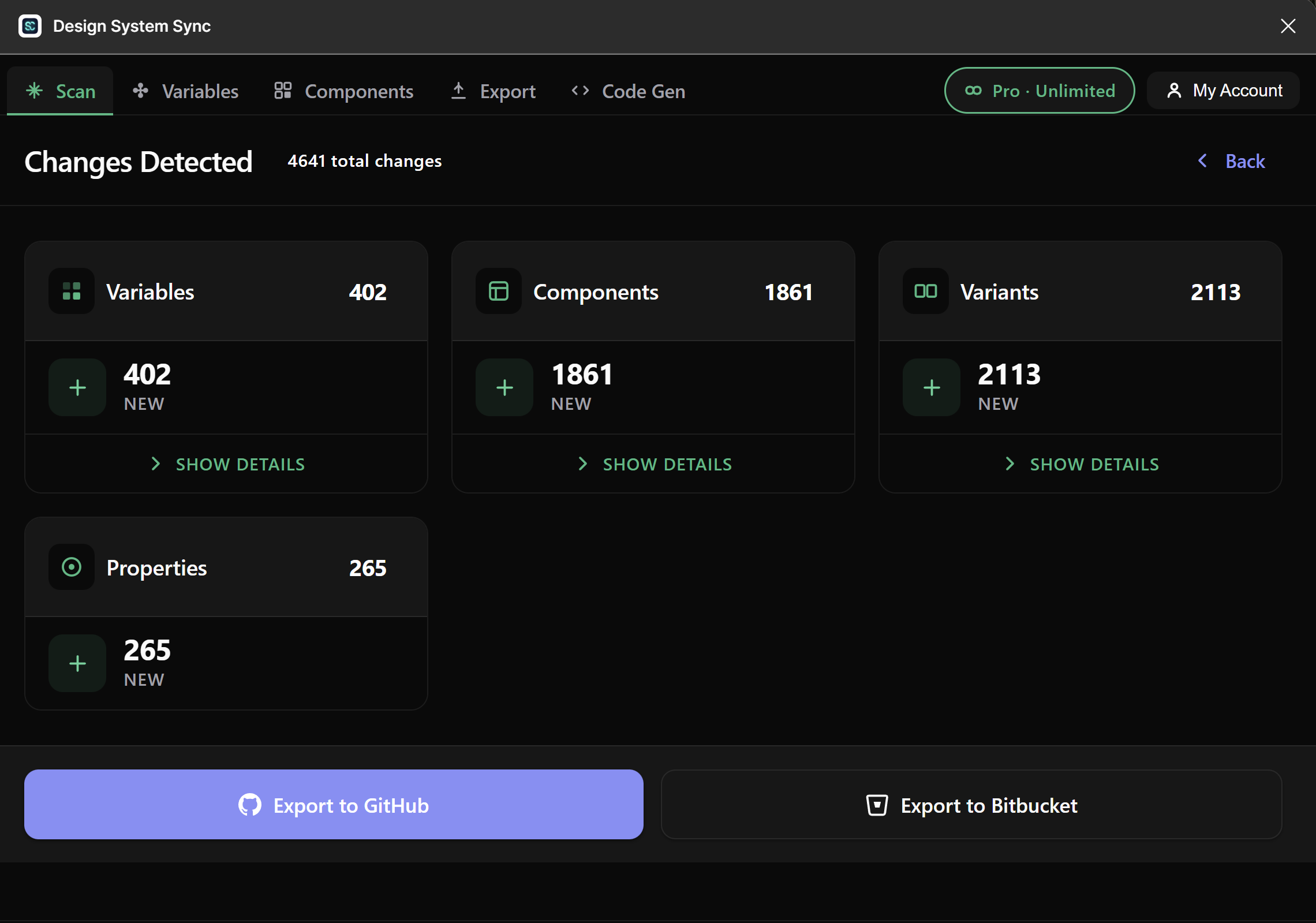
Click export. A pull request is created with your changes, complete with diffs and change summaries. Done.

Live Preview

From Figma variables to
production-ready code

See your design tokens transformed into clean, standards-compliant code in real time

Figma Variables
color/primary #10B981
color/accent #6366F1
color/text-primary #F9FAFB
16 spacing/md 16
12 radius/lg 12
CSS Variables Output
/* Generated by Design System Sync */

:root {
  --color-primary: #10B981;
  --color-accent: #6366F1;
  --color-text-primary: #F9FAFB;
  --spacing-md: 16px;
  --radius-lg: 12px;
}
Pricing

Three plans, every one of them honest

Start free, upgrade for unlimited + AI code gen, go Studio when you work across multiple machines.

Free

$0
Forever free · 1 device
  • 5 exports per month
  • W3C, Style Dictionary & CSS exports
  • Text Styles + Unwired report
  • GitHub & Bitbucket auto-PRs
  • Community support
Get Started

Pro

$10
/month, billed annually at $120/yr · 1 device Save 17%
  • Unlimited exports per month
  • Token-aware AI code generation
  • Connect Unwired — wire hardcoded values to tokens in one click
  • Everything in Free
Upgrade to Pro
30-day money-back guarantee. No questions asked.
Testimonials

Loved by design system teams

See what designers and developers are saying

"This plugin cut our design-to-code handoff time by 80%. We used to spend hours manually updating tokens — now it's one click."

JR
James Rivera
Lead Designer, TechFlow

"The auto-PR feature is a game changer. Our design tokens are always up to date, and the diff summaries make code review effortless."

KL
Kim Larsson
Frontend Engineer, Nordbank

"We manage a design system with 300+ tokens. DS Sync made it possible to keep three codebases in sync without any manual work."

MT
Maria Torres
Design Systems Lead, Finova
FAQ

Frequently asked questions

Absolutely. We use industry-standard encryption. Payment info is handled securely by Stripe (PCI compliant). We never store credit card details, and your design tokens are transmitted directly to your repositories.

Yes! Cancel anytime through the Customer Portal. No cancellation fees, and you keep full access until the end of your billing period.

Yes! We offer a 30-day money-back guarantee. Not satisfied? Contact us within 30 days for a full refund — no questions asked.

Yes! The plugin works seamlessly with both public and private repositories on GitHub and Bitbucket. Just provide your personal access token for authentication.

Pro users get priority email support with 24-hour response times. All users can reach us through GitHub Issues. We're committed to helping you get the most out of DS Sync.

We support W3C Design Tokens (JSON), CSS Variables, and Style Dictionary format. All formats are included in both Free and Pro plans. Export locally or push directly to GitHub/Bitbucket.

Ready to sync your
design system?

Get started in minutes. Free forever with 5 exports per month.

Install Plugin Free